Guides
How to transcribe a long German interview accurately
Mic placement, room treatment, model choice, and the post-edit pass that gets you to publication-grade text.
Key takeaways
Pre-flight: mic and room
The biggest accuracy gains live before the recording starts. A USB headset mic with a foam pop filter, positioned 20-30 cm from the interviewee's mouth, will give you a transcript several percentage points better than the same speaker into a laptop mic from the other side of a kitchen. Hard surfaces (glass, tile, bare walls) bounce audio; soft surfaces (curtains, carpet, a bookshelf full of books) absorb it. Move to a soft-surface room if you have the choice. For source-protection considerations before you even press record, see GDPR and voice recordings: the rules in plain language.
Model choice
Vosk Small is fast, runs in seconds, and is good enough for note-taking and topic indexing. Vosk Large is roughly 5x slower but meaningfully more accurate on proper nouns, technical vocabulary, and slightly noisy audio. For an interview you'll quote, pick large.
The proper-noun pass
Run through the transcript once with Cmd+F on every proper noun the interviewee said. Names, organisations, place names, acronyms. These are 70 % of the corrections you'll make. Doing them as one pass before the prose pass is faster than fixing inline.
The prose pass
Read the transcript end-to-end while listening to the audio at 1.5x. Stop only at the lines that don't make sense. This is the 'speaker said X but the model heard Y' pass; 15-20 minutes of real work for an hour of interview. Sprachmemo keeps your edits separate from the original model output, so you can re-transcribe with a different engine later without losing your corrections.
Export
Markdown export gives you the title, your edited body, and every clip's transcript inlined under H2 headings. Drop it into your CMS, your team wiki, or your private archive - whatever respects Markdown.
FAQ
Frequently asked
Try Sprachmemo
Free plan, no credit card. We host in Germany. You can export and delete everything self-serve.
Written by
Julia Yukovich
Co-Founder + CEO
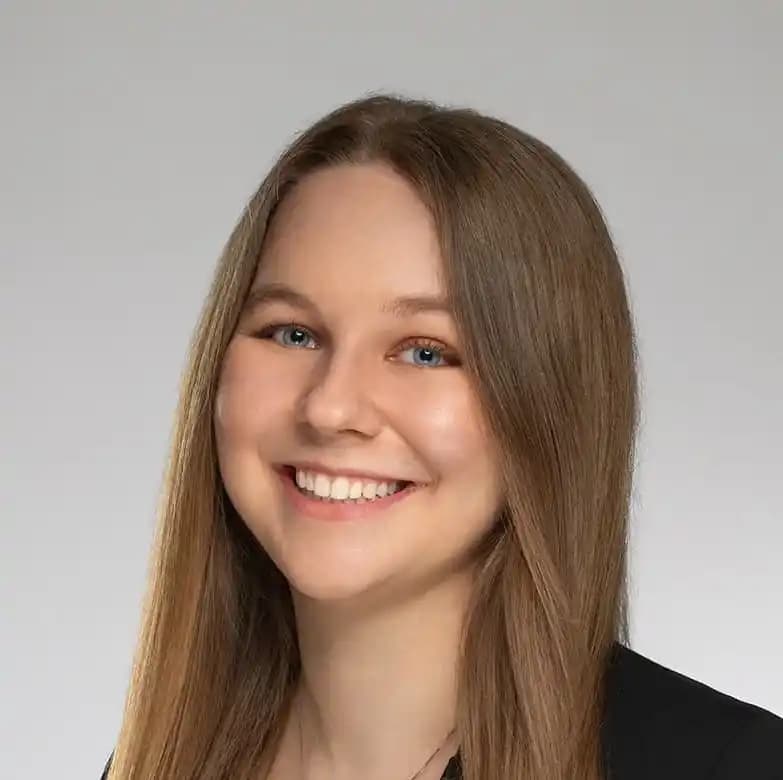
Julia is one of the Co-Founders. She handles design, development, product direction, and most of the support replies that arrive in the morning.
Read next
How to record a meeting and transcribe it without sending audio to a US cloud
Capture, transcribe, export - all inside the EU.
Read
When to use Vosk Small vs Vosk Large
Fast and good-enough, or slow and excellent.
Read
How to export your Sprachmemo notes to anywhere
Three export paths and where each one fits.
Read